How to Manage Your Children’s Screen Time as the Nights Draw In
Children’s screen time: As autumn turns to winter, you and your children likely spend more time indoors. Cold and rainy weekends call for board games, baking, and cosy film nights. Online entertainment earns its place in those plans too, and it doesn’t have to be a battle.
When it’s cold outside, your children’s screen time naturally increases. Phones and tablets provide quick and easy entertainment solutions. However, when left unsupervised, screen time can reach unhealthy levels. Luckily, managing screen time doesn’t mean outright banning devices from November to February. Simple routines can help you and your family enjoy the benefits of technology without overindulging.
1. Set Screen Time Limits
When left unmonitored, online gaming, browsing, and scrolling can extend well beyond the time you intended. Many Brits have realised their screen time increases significantly over winter — especially during the festive period. As a result, a growing number of people digitally detox over Christmas, and an estimated 47% of adults attempted it in 2025.
A full digital detox isn’t always necessary, but time limits certainly are. Screen time limits allow your child to enjoy games and YouTube without spending entire days staring at their screens. Once your child reaches their daily limit, they can no longer access specific apps. Screen time settings can be locked behind a passcode, which prevents your child from editing the settings themselves.
Government guidance recommends no more than an hour of screen time per day for children aged two to five, while the Royal College of Paediatrics and Child Health advises families to judge limits by whether screen use displaces sleep, activity, and time together.
2. Set Content Restrictions
Monitoring matters year-round, but it earns more of your attention in the months when devices are in constant use. Regularly check which apps they’re using, and use parental restrictions to block inappropriate content.
If your child plays games online, ask if they contact other players through voice or text chat. Ensure that your child knows who they’re playing with and restrict contact with strangers if possible. You should also explain to them why they shouldn’t share personal details online.
A VPN (virtual private network), for example, encrypts the data your child’s device sends and receives. If your child uses a tablet on public Wi-Fi, at a grandparent’s house, in a café or at an after-school club, a VPN keeps that connection private. It’s also worth setting one up before the holidays, and the VPN Black Friday sale in November makes it a good time to do it.
3. Make Screen Time a Shared Experience
Screen time can be healthy when you share it. Co-viewing or co-playing turns solitary play into a family activity, which is great for your child’s social development. It gives them a chance to develop interpersonal skills by explaining what they’re doing and learning to cooperate with others. Sharing screen time is also an easy way to bond and to see what your child actually enjoys.
Sharing screen time can be as simple as playing a game with them or streaming a film or show together. Or, you could explore the world on Google Earth, create digital drawings, or do an online trivia quiz.
4. Keep Screen-Free Activities Within Reach
The easiest way to get a device switched off is to have something better within reach.
Winter doesn’t mean that outdoor activities are completely out of the question. If conditions are safe, you could take your child on a woodland walk or a bike ride to the park. For wet and windy days, ensure you have plenty of toys, books, and art and craft supplies. Jigsaw puzzles, colouring books, and baking activities are obvious options, but they still work! For active children, treasure hunts, dance sessions, and light workout routines can help them burn energy while staying indoors.
5. Wind Down Before Bed
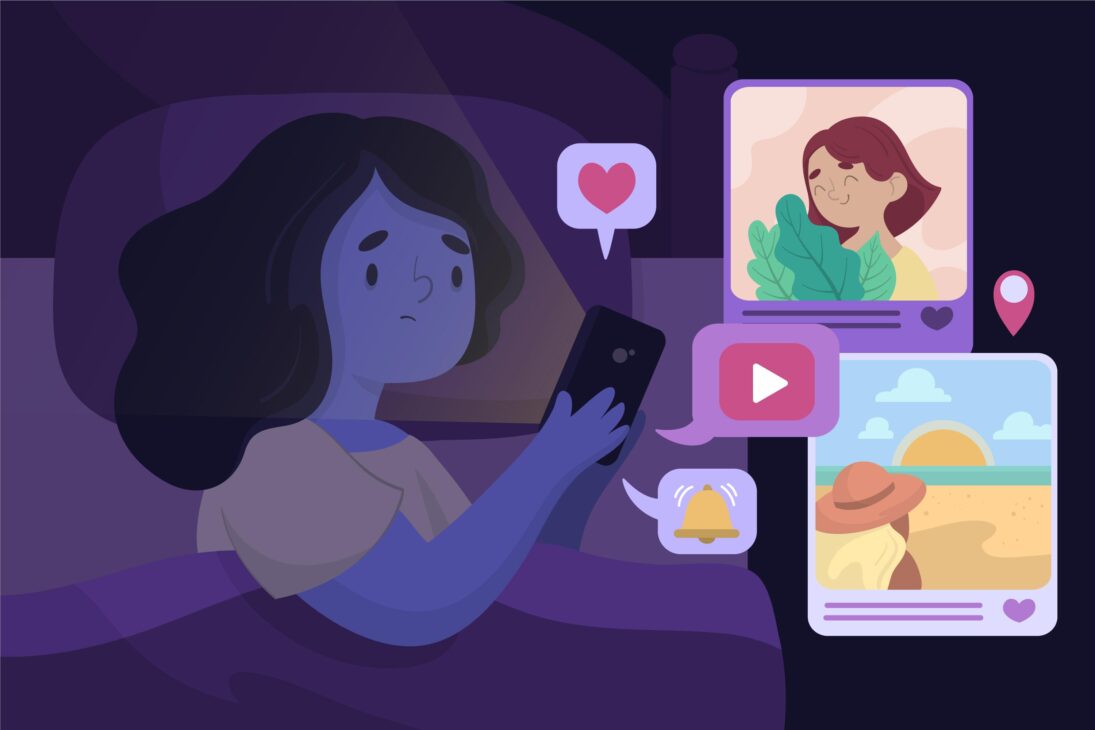
Keep pre-bedtime activities relaxed. Switch off their devices, read a book together, and keep bedtime the same every night. Sleep guidance generally suggests screens go off 30 to 60 minutes before bedtime.
Encourage Your Child to Adopt Healthy Screen Habits
Your children are growing up with smartphones and tablets from their earliest years. Practising healthy screen habits in the winter can help them develop a balanced relationship with technology. Set the limits this week, pick one show to watch together, keep a puzzle out where they can see it, and move bedtime screens out of the bedroom. Your child will get better at switching off. The goal isn’t to eliminate screen time altogether. Instead, it’s about teaching them how to enjoy technology responsibly while making the most of the winter months.