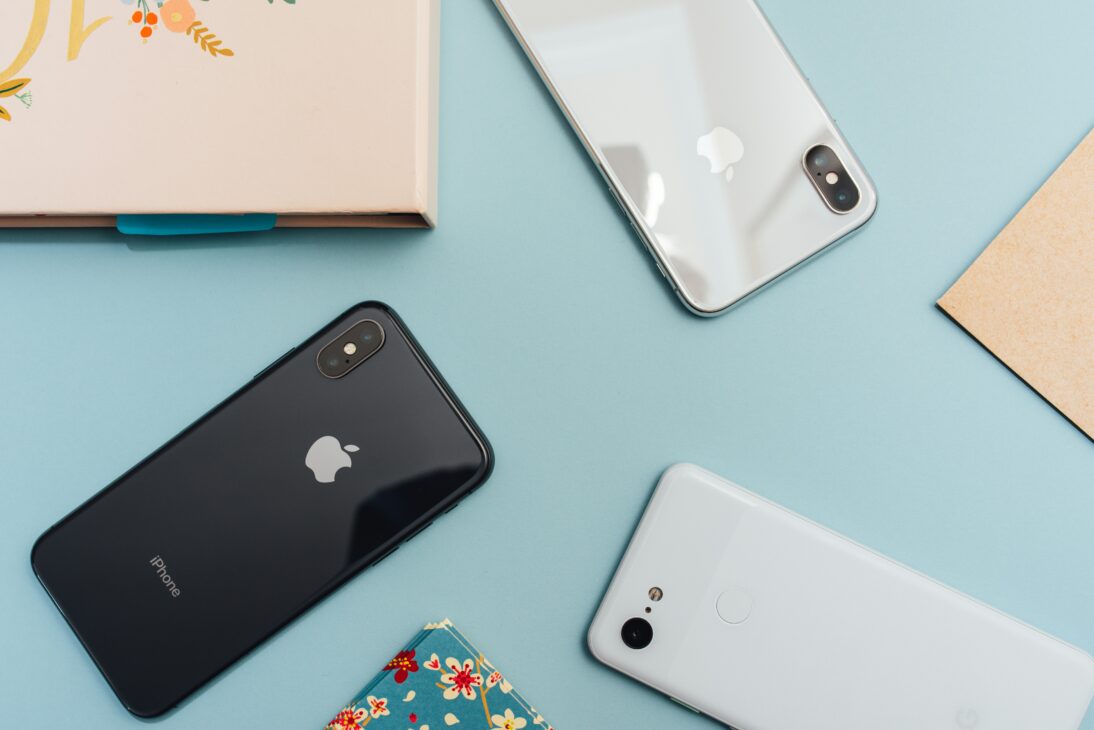
Tech Safety: 4 Things to Do Before Switching to a New Phone
Switching to a New Phone: There’s nothing more exciting than getting a brand new phone, especially if you used your old phone for years and are long overdue for an upgrade. Perhaps your new phone runs like a charm, has a bunch of new features and apps to play around with, and fits your personal taste perfectly. But before you can fully enjoy it, there’s still some unfinished business with your old phone that you have to take care of.
Your old phone carries important information about you, like your contacts, old photos and videos, social media accounts and passwords—and even your money if you have an e-wallet app installed. If you trade in or sell your old phone without wiping the data from it completely, someone could easily use your sensitive information against you.
It’s crucial to practice tech safety, especially if you’re getting a new phone. Here are four important things you need to do before making the switch:
1) Switch Your e-Wallet Phone Number
If you plan on using a new phone number, this is a critical step. Check your e-wallet app’s settings to see if you’re able to change your phone number, so that you can completely transfer it to your new phone.
Now, if your e-wallet app doesn’t let you change your phone number, it’s best to contact your e-wallet provider to sort out any changes. Don’t forget that leaving an e-wallet account connected to your old number, even if it no longer holds any money, can still be dangerous since it carries your personal information.
Maya is a great digital bank app to use, with an abundance of features that make money handling easy and intuitive. The question is, is Maya safe enough for you to make the switch? Absolutely; Maya has been recognized for its efforts in promoting tech safety privacy awareness, and has won the Privacy Initiative of the Year award from the National Privacy Commission. Switching to a digital bank app like Maya ensures that your funds and information are secure in your new phone.
2) Back Up Your Data
The last thing you want is to lose all of your files during the phone switch. Make sure to completely back up all of your files into Cloud storage before getting rid of your old phone.
The way you’ll do this differs depending on your phone. For Android users, go to your Settings, tap “Back up & restore,” link your Google account, and turn on the Google backup feature. For iPhone users, go to your Settings, tap your name, and turn on “iCloud Backup.” This is especially useful later on, as you can transfer your data from your old phone to the new one easily.
3) Secure Your Passwords
You probably have dozens of passwords to different websites stored in your phone, allowing you to easily log into any of your accounts with a few taps. It’s a convenient feature to have on any device, but if you’re getting ready to trade in your old phone, it’s important to completely wipe your old passwords from its memory. Be sure to log out of all your accounts while you’re at it.
Also, if you’re switching phone numbers, remember to secure any accounts with two-factor authentication (2FA), as well. Any accounts that have 2FA authentication linked to your old phone number are at risk of getting breached by another person. You’ll be able to link your accounts to your new phone number by going to their respective settings pages.
4) Do the switch
Once all of your sensitive information, data, and files are safely transferred or wiped from your phone, you can start fully switching to your new phone. This is a seamless process regardless of whether your new phone uses the same OS as before, or if you’re switching to a different OS. Your cloud backup from earlier will come in handy here, and all you have to do now is sit back and wait for the data transfer to finish.
After your data has been completely transferred, you’ll almost be ready to say goodbye to your old phone. You can tie up any loose ends by doing the following:
● Transfer the SIM card. If you’re using the same SIM card as before, remember to switch it over to the new phone. If you’re planning on using a new SIM card, make sure to destroy the old one.
● Disconnect it from everything. Wipe any Wi-Fi networks and Bluetooth devices it might still be connected to.
● Perform a factory reset. You can restore your old phone to its original state by performing a factory reset, which erases all leftover user data, settings, and applications.
● Don’t throw your phone away! If your phone is still in good condition, see if anyone is willing to buy it from you for a cheaper price. You’ll be able to earn a bit of extra cash, while someone else can benefit from one of your old belongings.
Have you now secured your personal data and backed up any important files? If yes, it’s time to fully enjoy life with your new phone completely stress-free.