
Stop Hunting Through Emails on Your City Break: Put the Useful Details Together
City Break Travel Planning: You arrive at your weekend escape with your hotel confirmation in one inbox, your entrance instructions in a booking app and your museum ticket somewhere buried within your downloads. All of this was taken care of when you booked. But to locate the detail on a pavement with a bag slung over your shoulder is another story.
A quick bit of downtime doesn’t allow for this type of phone administration. A tiny little travel note can make the helpful info bit easier to find, while the confirmation copies are there when you need the full amount.
Proceed for arrival, not for the bookings
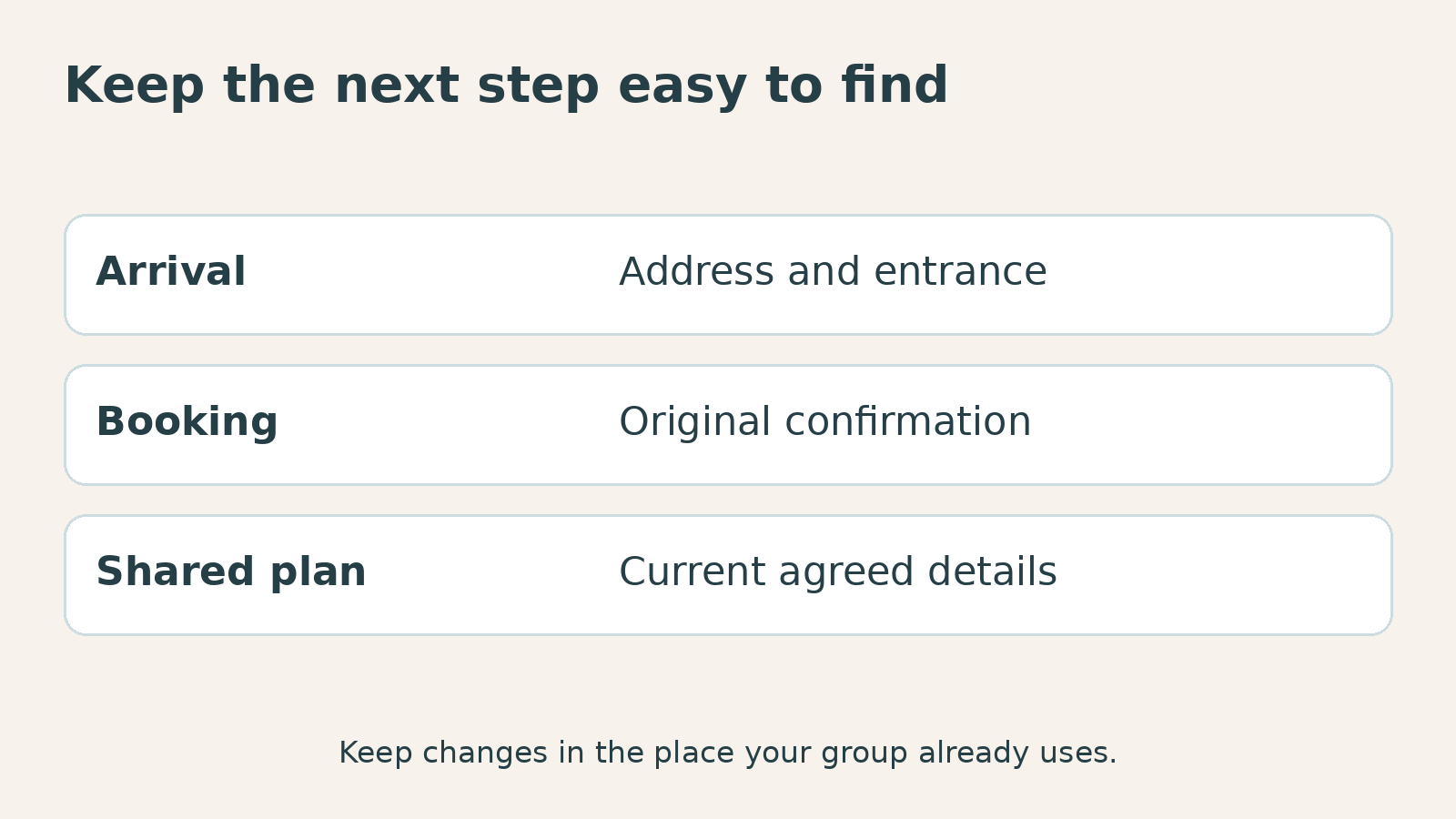
Put the first location you have to get to – together with its name, address and any details of particular entrances – in your ‘group’ Save the street address will get you to the building but might not tell you which door you need, especially if there is a reception area elsewhere, or if the accommodation has its own check-in procedures.
Enter the arrival times and number route given by the accommodation. Please leave instructions as you would if they were more relevant. Long welcome messages can be summarised, removing a condition for late arrivals is not helpful.
You don’t have to include all the trip’s pieces in the note. Begin with just arrival, then move to the following event you’ve booked and the entry data. Retain booking references in the correct spots, but leave passwords and the most personal papers out of a ditched itinerary.
Also retain the original confirmation. Your note is a handy quick reference for the arrangement, not a substitute for the supplier’s message if it is necessary to check or amend a booking.
Create a shared plan people can act on
Share your co-pilot the details before any one gets a phone low. Maybe it’s the place to stay, the meeting point, or meeting time for an activity you’ve booked. Asking someone to sort through a whole string of emails to find the relevant info can be painful.
If you are sharing a document, check who it can be opened by. Someone may have to log in with the account you’ve shared. Fix the ‘who can open it’ problem directly instead of broadening the ‘sharing’ without considering what’s in the document.
Have one person who updates the shared plan when someone makes a new reservation. Otherwise, one traveller uses an old screenshot and the other uses an updated time. Make the change where the group already looks, don’t create a new thread for every revision.
A sensible plan also includes what to do if the groups get separated. Have a known, agreed meeting place and a sensible alternative if messages aren’t received. “I will send my location later” may depend on someone being available at the other end.
A saved link is not the same as the file being saved
Verify what you can open offline. A bookmark returns you to a page, it doesn’t mean it has saved the page to your phone. You may need to save an attachment shown in a message before you can open it locally.
Use the service’s approved method for tickets/passes. Some credentials update on the service; don’t assume a screenshot will work just because you see the code. Follow the instructions of the supplier for your ticket.
For routine reference, an additional supported feature that allows for “offline-reading” is useful. “Your Apple Safari Reading List” writes about the Safari Reading List that allows pages to be saved for reading offline. For test purpose look at the search engine’s result page, but that video or page design might needs a connection.
Ready other apps as well. If you’re intending to download a VPN to use on allowed guest networks, do so before you leave and get familiar with the interface. That’s by way of getting ready for connected use, not a way to make your itinerary or tickets work offline.
Use a stub with link to update plan
If you can, make sure you have a suitable connection then look for any alterations from the accommodation or activity provider. When you’re checking your booking, make sure you log in on the official app or site, particularly if it’s unexpectedly asking you for a further payment or new account details.
Websites using HTTPS today typically encrypt data between your browser and the site. According to the FTC, using public Wi-Fi isn’t quite as risky as it used to be thanks to that encryption. But that still doesn’t cover the separate issue of whether the page or message was actually to the organisation you meant to contact.
When using a free VPN to view bookings on a guest network, make sure it protects your browser or app. It doesn’t verify a message from a hotel, handle a reservation, or safeguard information you intentionally feed into a invalid sharing setup.
Send a new arrival note after the confirmed change, then inform your partner about the location. Let me bury the phone with the arrival note, and all the vital information. You have more time to relax, and you are passing to the wonderful city.